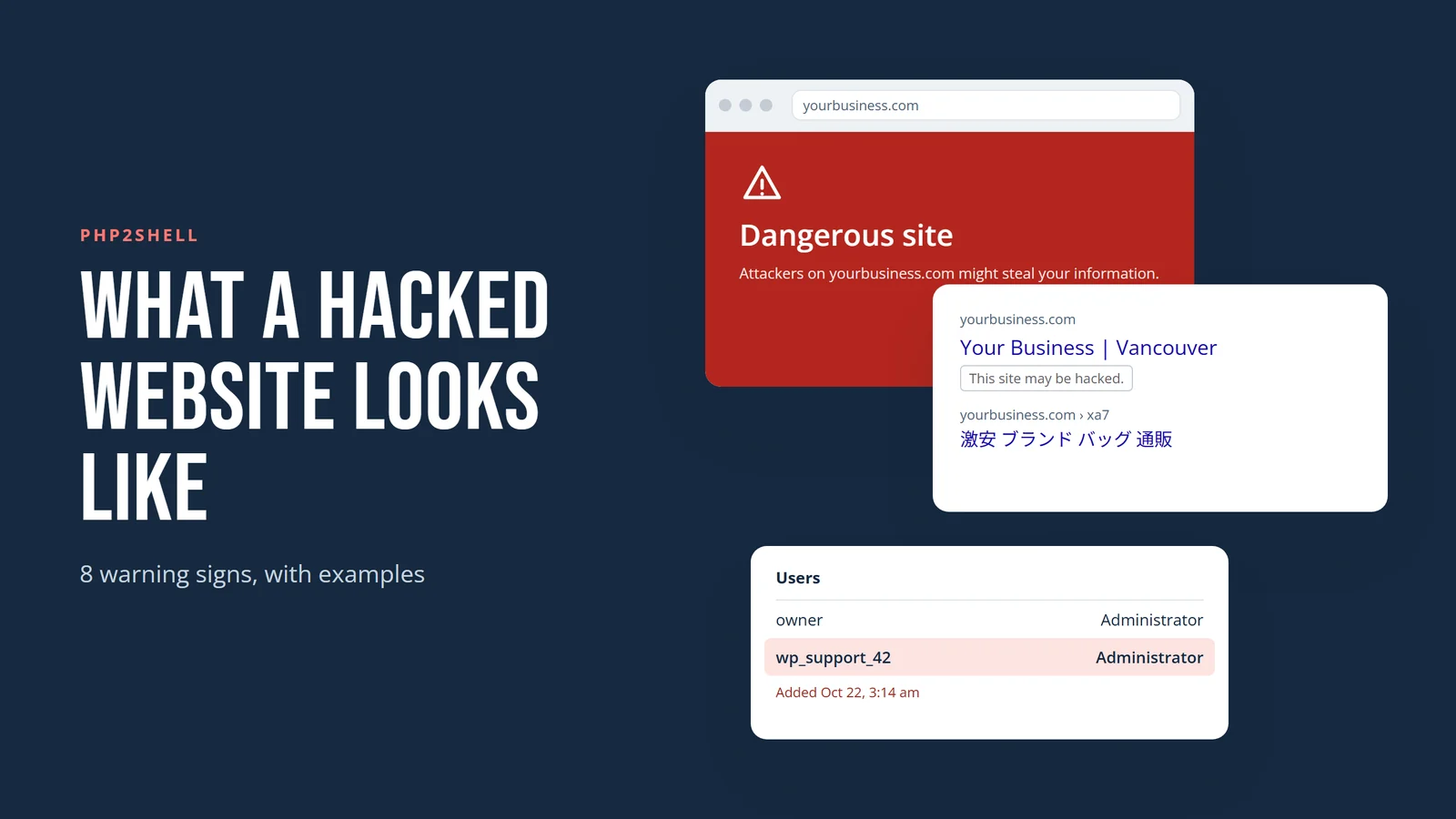
PHP2Shell is a pair of critical flaws in PHP, the programming language behind WordPress and most of the web. Fixes came out on October 21, 2026. On a server that hasn't been updated, an attacker can run their own code on your website without logging in.
Most coverage explains the bug. This post shows what it looks like from your side when someone uses it, so you can spot it early. If you want to know whether your site is exposed in the first place, check if your website is at risk from PHP2Shell.
Short answer: A website hacked through PHP2Shell can show a red "Dangerous site" warning in browsers, a "This site may be hacked" label in Google, spam pages under your domain, redirects to scam sites, a replaced homepage, stolen card details at checkout, admin accounts you didn't create, a suspended hosting account, and ads that stop running. Several of these show to customers while your own view of the site looks normal.
The images in this post are illustrations we made to show what each problem looks like. They don't show a real business.
8 signs your website was hacked
1. Visitors see a "Dangerous site" warning
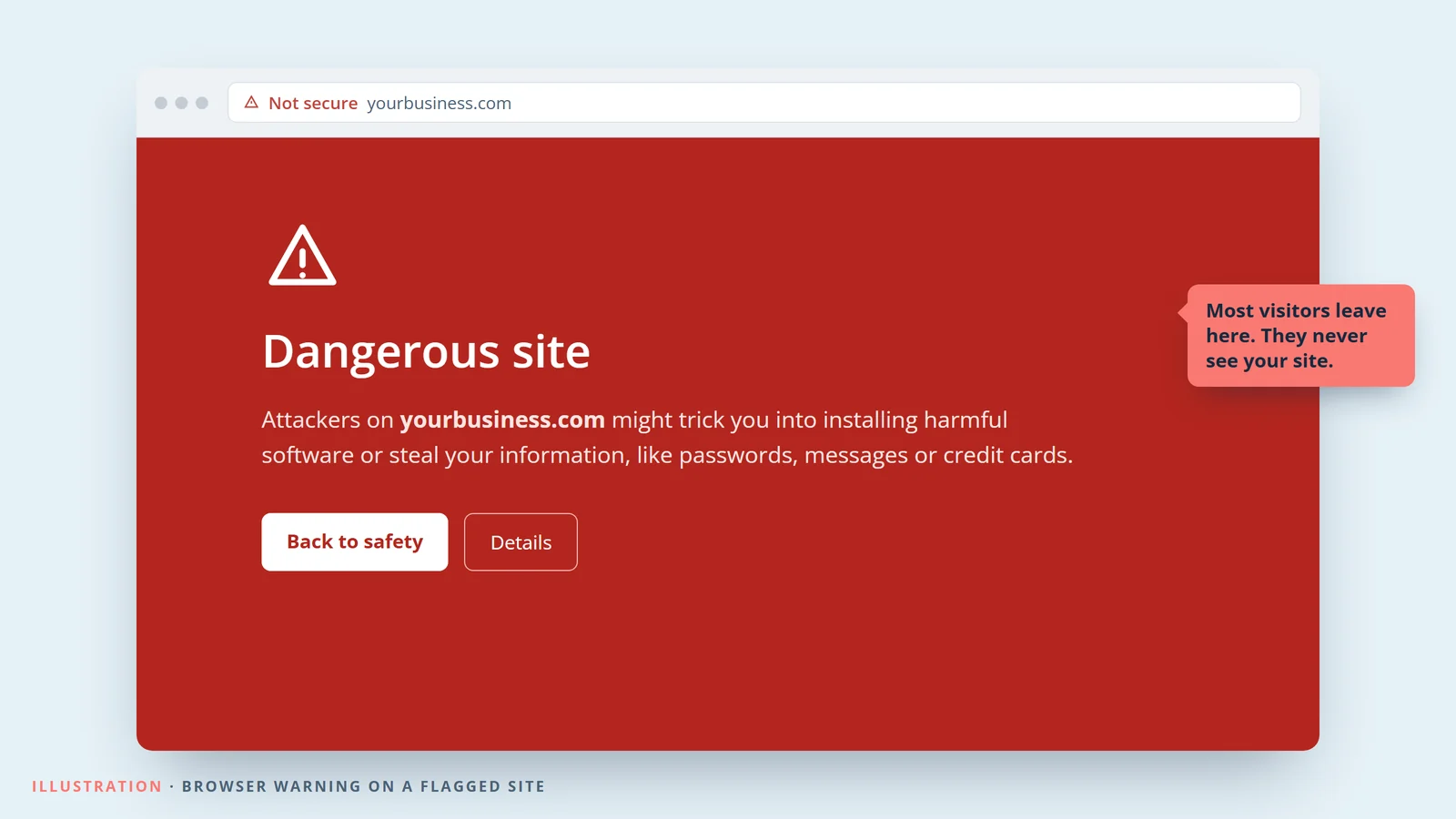
Once Google detects malware or phishing on a site, Chrome, Safari and Firefox show a full-screen red warning before the page loads. Most people tap "Back to safety" and never come back. Owners usually find out from a customer, or from a security email from Google Search Console.
How to check: Enter your domain in Google's Safe Browsing site status tool, and look for a Security issues alert in Search Console.
2. Google labels your site "This site may be hacked"
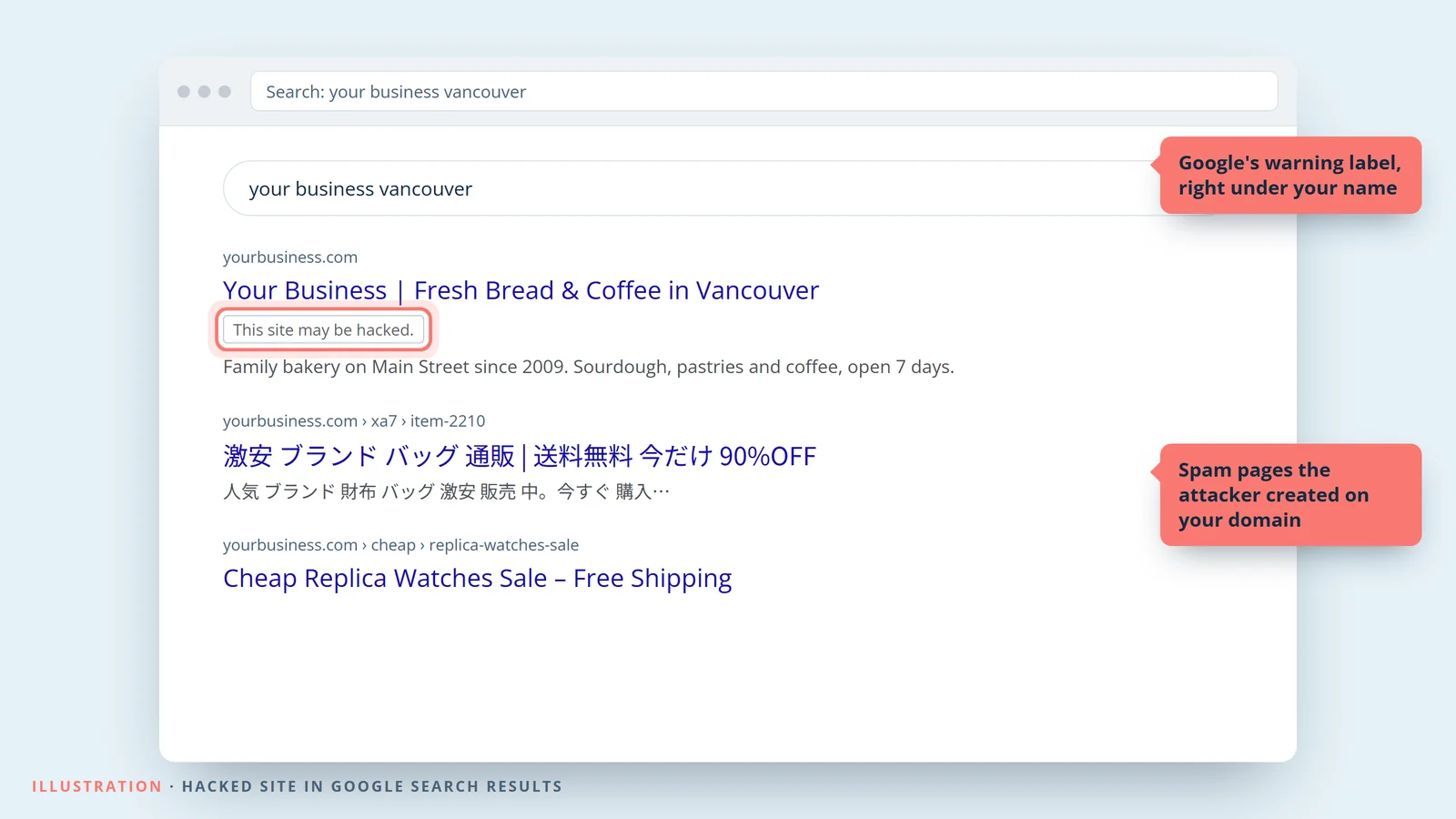
Attackers often use a hacked site to publish thousands of spam pages selling fake designer goods or pharmacy products, frequently in Japanese. They borrow your domain's reputation to get those pages ranked. Google may then show "This site may be hacked" under your listing, and your real pages can slip in the results.
How to check: Search site:yourdomain.com in Google and scroll through the results. Pages you didn't write, especially in another language, are a red flag.
3. Visitors get sent to scam pages
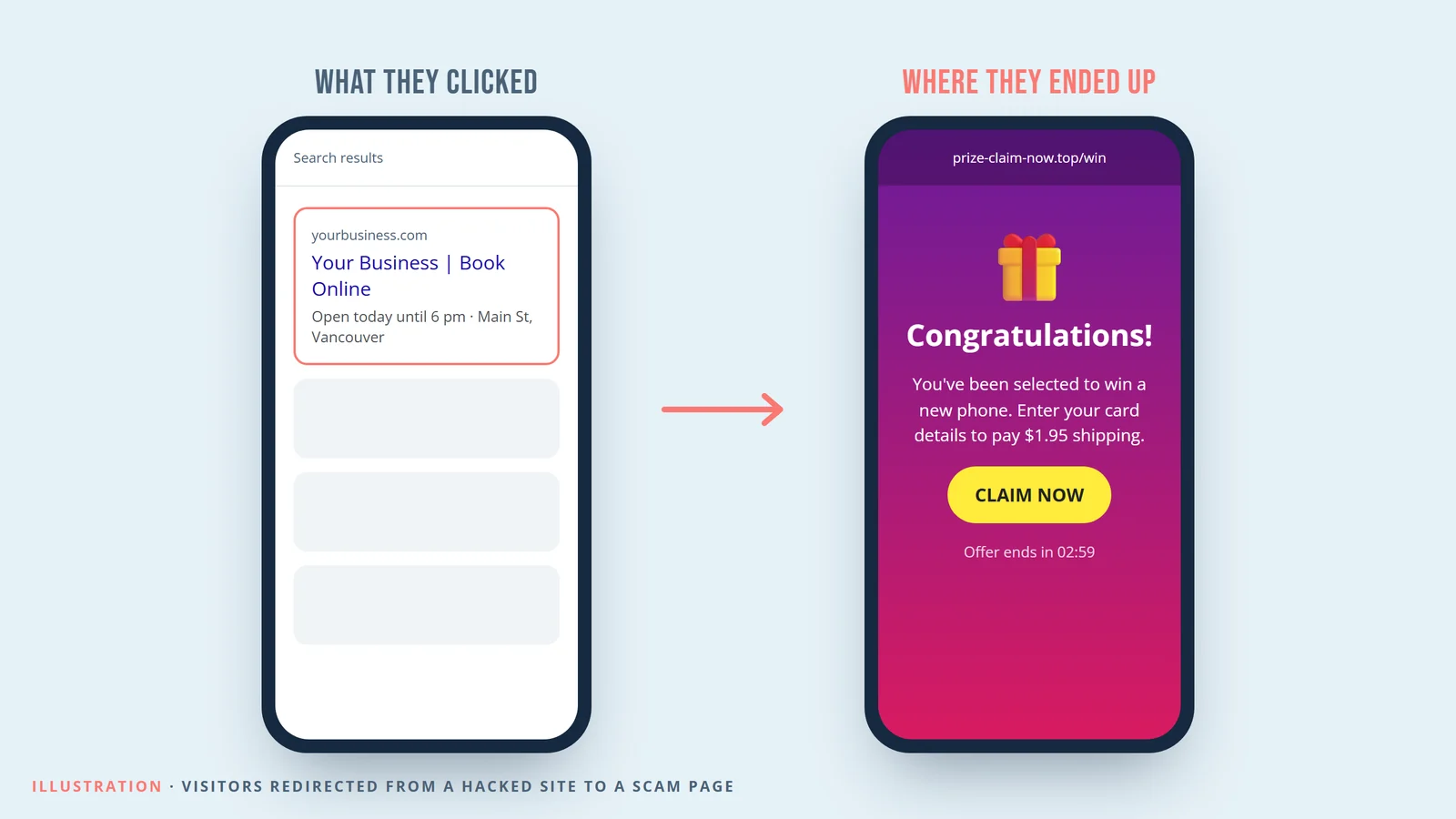
Code planted on your site can send some visitors to fake prize pages, fake tech support or malware downloads. It's often set up to target only mobile visitors arriving from Google, and to skip logged-in admins. So when you check your own site, everything looks fine.
How to check: On your phone, switch off Wi-Fi, open a private tab, search for your business and tap your listing. Try it a few times.
4. Your homepage is replaced
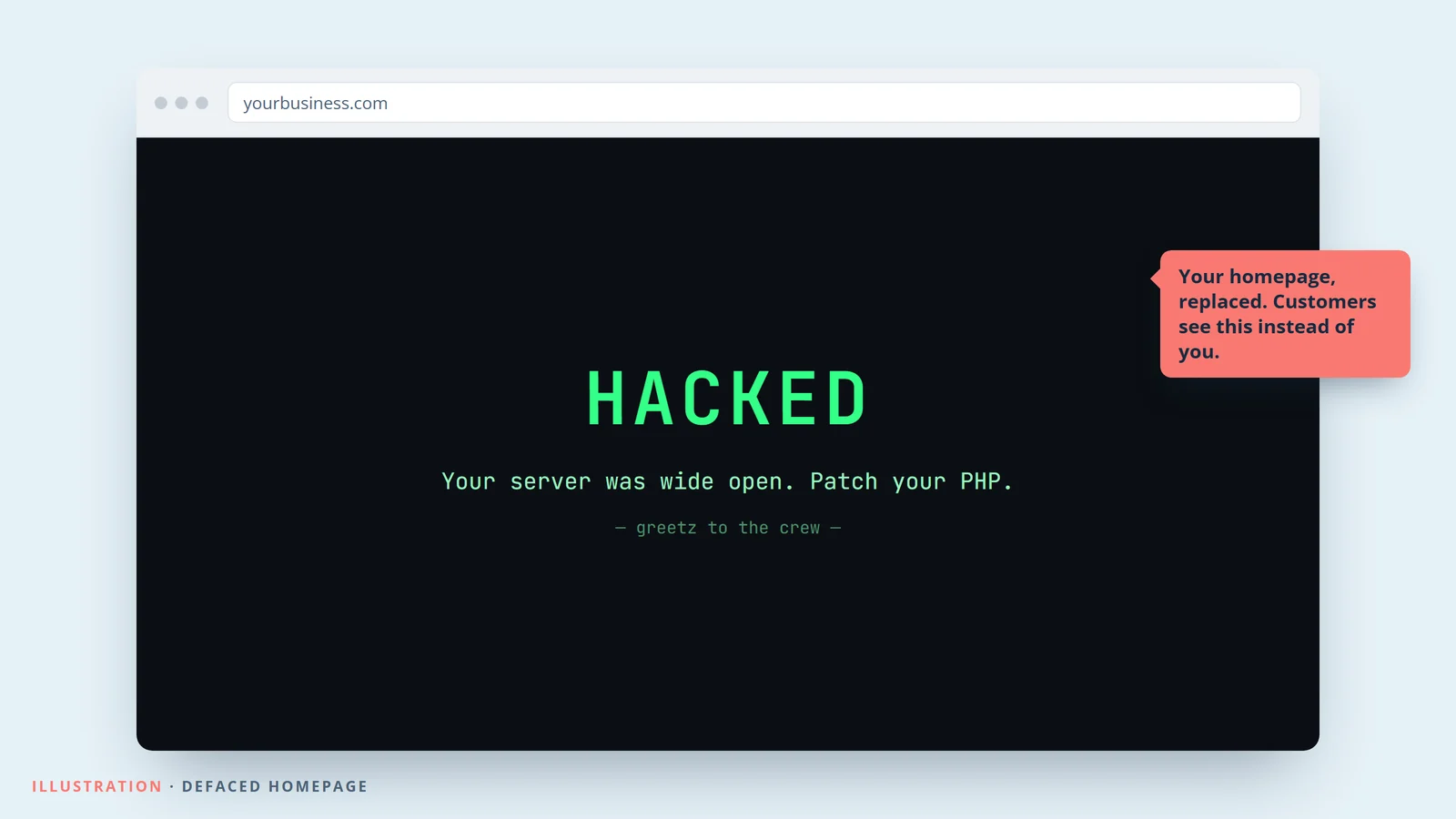
Some attackers want to show off, so they swap your homepage for their own message. It's obvious, which means it usually gets caught fast, but every hour it's up costs you calls and bookings.
How to check: Look past the homepage. Defacements sometimes hit a single page you rarely visit, like a contact or landing page.
5. Card details are stolen at checkout
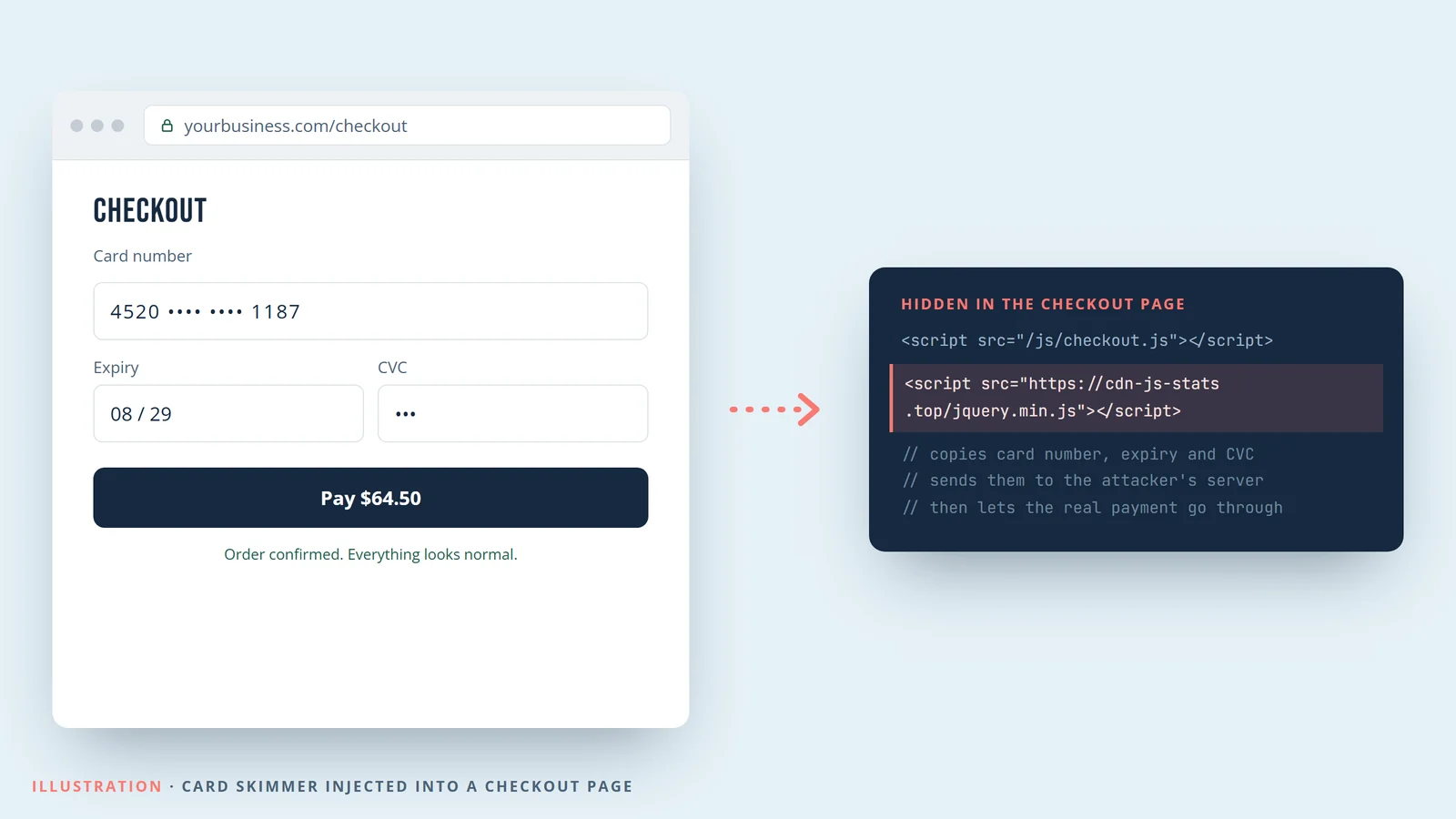
On WooCommerce and other PHP stores, an attacker can add a few lines of code to the checkout page that copy each customer's card details as they type them. Orders still go through, so nothing looks wrong. Businesses usually find out weeks later, when customers report fraud or the payment processor gets in touch.
How to check: Have a developer review the scripts that load on your checkout page and compare your site files with a clean copy. If your PHP site takes payments, treat this one as urgent.
6. An admin account you didn't create
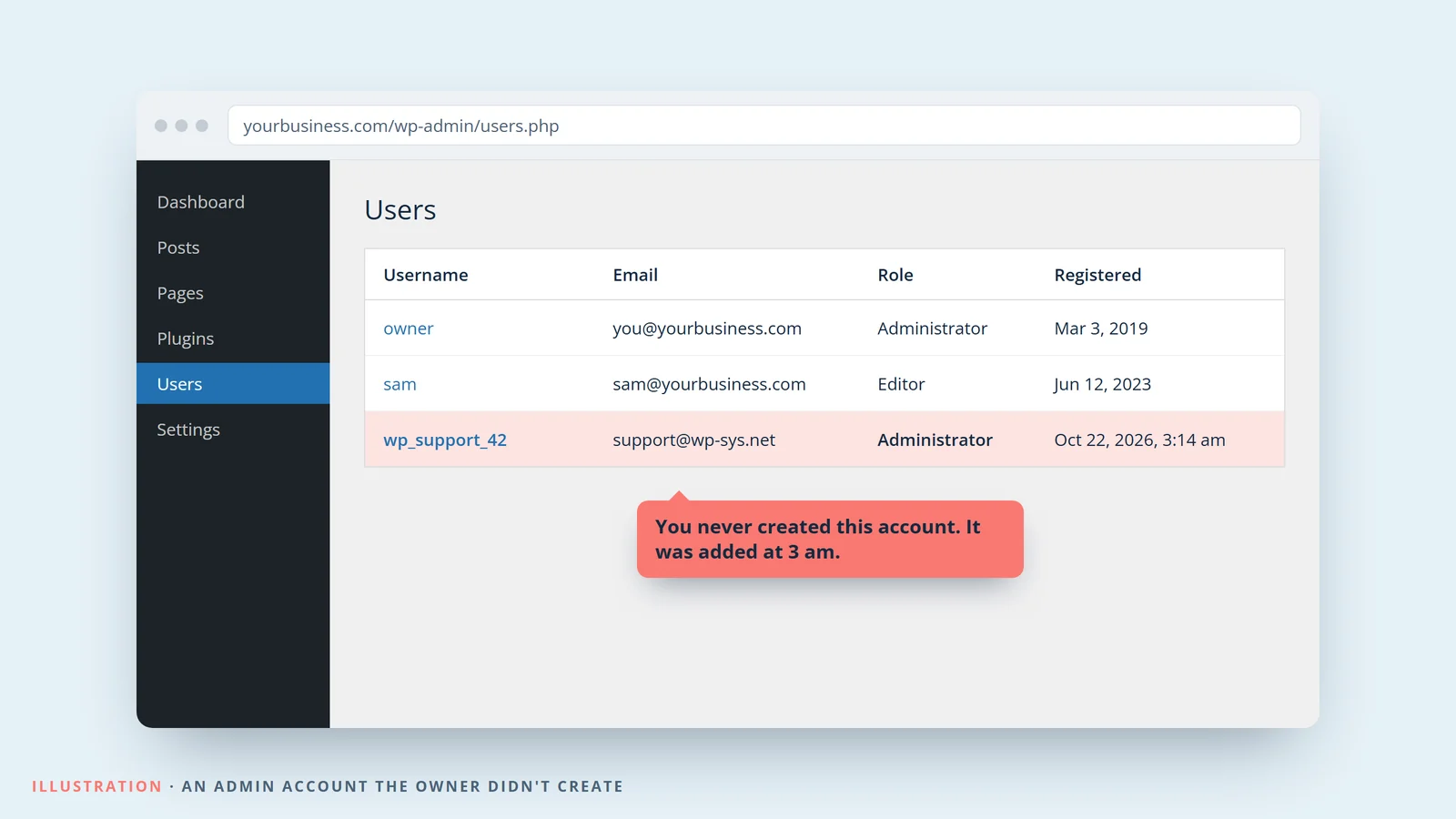
A common first move is to add a hidden administrator account, so the attacker can get back in even after PHP is patched. That's why patching alone isn't enough if your site was already hit.
How to check: In WordPress, go to Users and filter by Administrator. Note the details of anything you don't recognize, remove it, then change every admin password.
7. Your host suspends your account
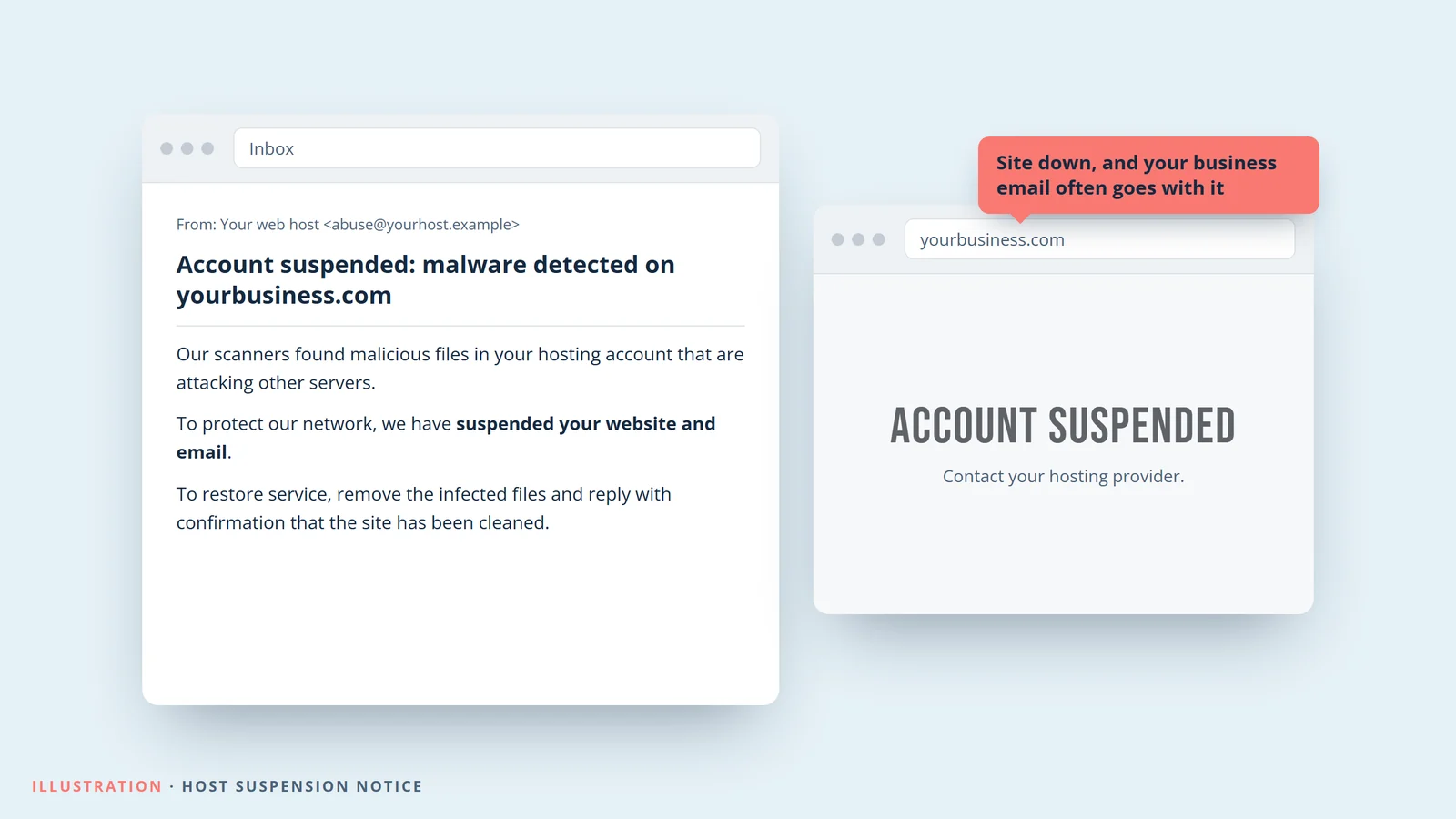
Hacked servers get used to attack other sites and send spam. When a host notices, it may suspend the whole account to protect its network. On many shared hosting plans, that takes your business email down with the website.
How to check: Look for emails from your host's abuse or security team, including in your spam folder.
8. Your ads stop running
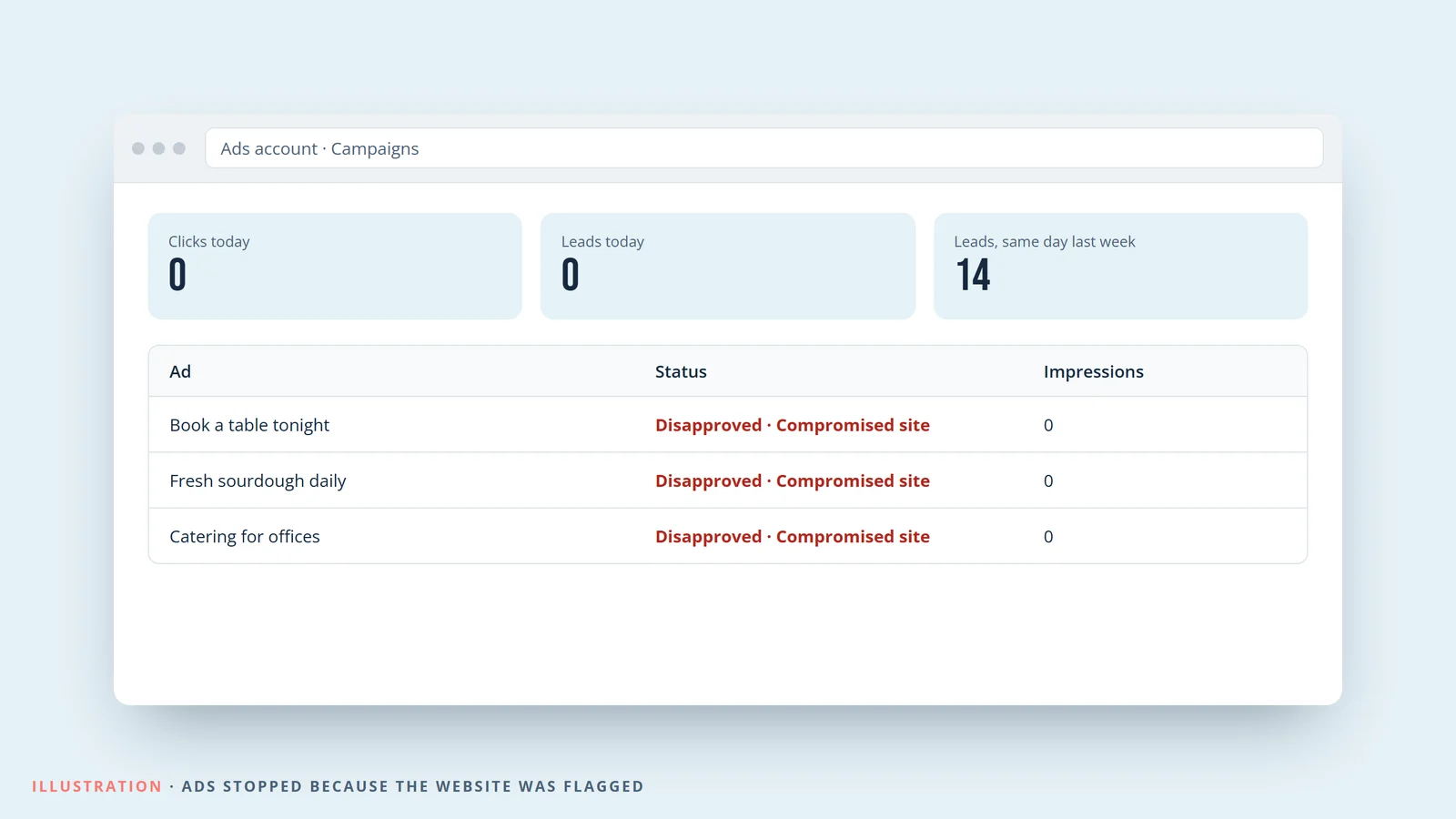
Google Ads disapproves ads that send people to a compromised site, and Meta can block links to domains flagged as unsafe. Campaigns can drop to zero in a day, and they stay off until the site is cleaned and reviewed.
How to check: In Google Ads, look for "Compromised site" or "Malicious software" disapprovals, or a sudden drop in clicks with no change on your end.
What to do if you see any of these
- Back up the site as it is now. Before you change anything, save a copy. It helps work out how the attacker got in.
- Take the site offline if it's redirecting visitors or taking payments. Security agencies advise keeping unpatched systems offline until they're fixed.
- Update PHP to 8.5.12, 8.4.27, 8.3.36 or 8.2.35, or ask your host to. PHP 8.1 and older won't get a fix, so plan an upgrade.
- Clean the site. Restore a backup from before the hack, or have a developer remove the planted code and unknown admin accounts.
- Change passwords and keys for WordPress admins, hosting, the database, FTP, and any payment or API keys stored on the server.
- Ask Google to review the site in Search Console once it's clean, and appeal any ad disapprovals.
- If you take payments, contact your payment processor. You may also need to report the breach and tell affected customers.
Not sure if your website is exposed?
If your site runs on Webflow, Shopify, Squarespace or Wix, PHP2Shell doesn't affect it. If it runs on WordPress or another PHP platform, get a free PHP2Shell website check. Answer a few quick questions and we'll email you an audit with what to fix.